


350,000+
UGREEN NAS Units Sold
$7M Raised
Japan's All-Time #1 Crowdfunded Project
2-Year
Warranty
24/7
Online Customer Service


Why You Need NAS
Protect Your Files
Need a Recovery Plan?
RAID keeps your files available after a drive failure. It is not a backup, so keep a separate copy of finished work and irreplaceable source files.

Space for Every Project
Outgrowing Local Drives?
Keep RAW photos, source footage, PSDs, and finished exports in one shared library. Plan capacity around usable RAID space, not only the headline drive total.

Always in Sync
Need the Current File Everywhere?
Sync active project folders between your workstation and NAS. In two-way sync, deletions can travel too, so keep recovery copies separate.

Access from Anywhere
Need a File Away from the Studio?
Use remote access to review, share, or download portfolios and project files. Large transfers and live editing still depend on your internet connection and remote device.

How a NAS Fits Into a Photo & Video Workflow?
Keep Lightroom Classic catalogs, Premiere Pro cache, previews, and other scratch files on your editing SSD. Store original photos, source footage, finished projects, and shared assets on the NAS; RAID can keep the library available after a drive failure, but it does not replace a separate backup.

How NAS Compares to the Alternatives

NAS VS. External Hard Drives

NAS VS. Cloud Storage

Top UGREEN NAS Picks for You
Best Seller
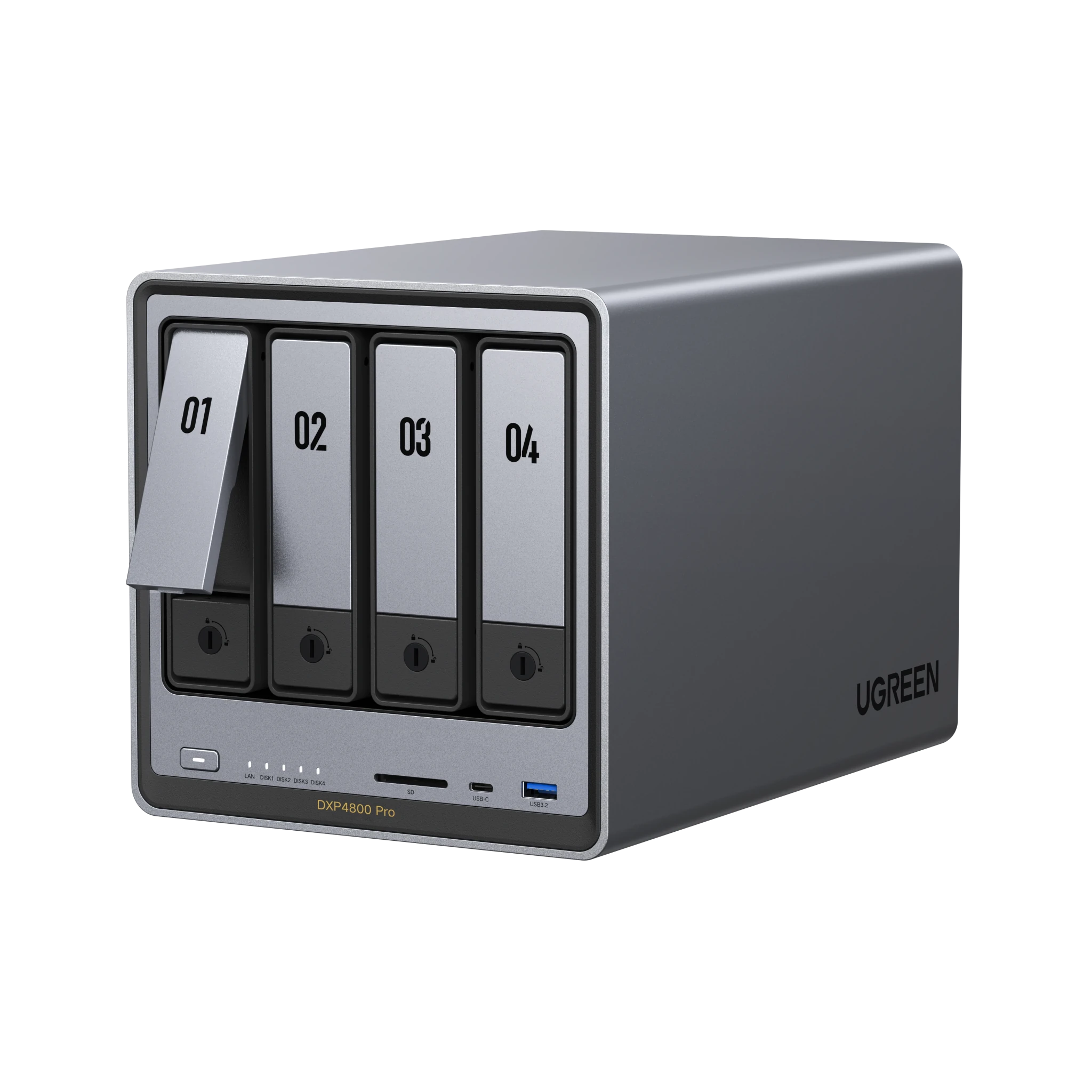
UGREEN NASync DXP4800 Pro
For an individual creator with a 10GbE workstation
RAW libraries, shared project media, 10GbE transfers, Docker, and local-SSD editing workflow
Intel Core i3-1315U, one 10GbE port, one 2.5GbE port
Four SATA bays and two M.2 NVMe slots
Up to 144TB supported raw capacity
$699.99
$799.99

$100
Off
$100
Off
$699.99
$799.99
Beginners' Choice
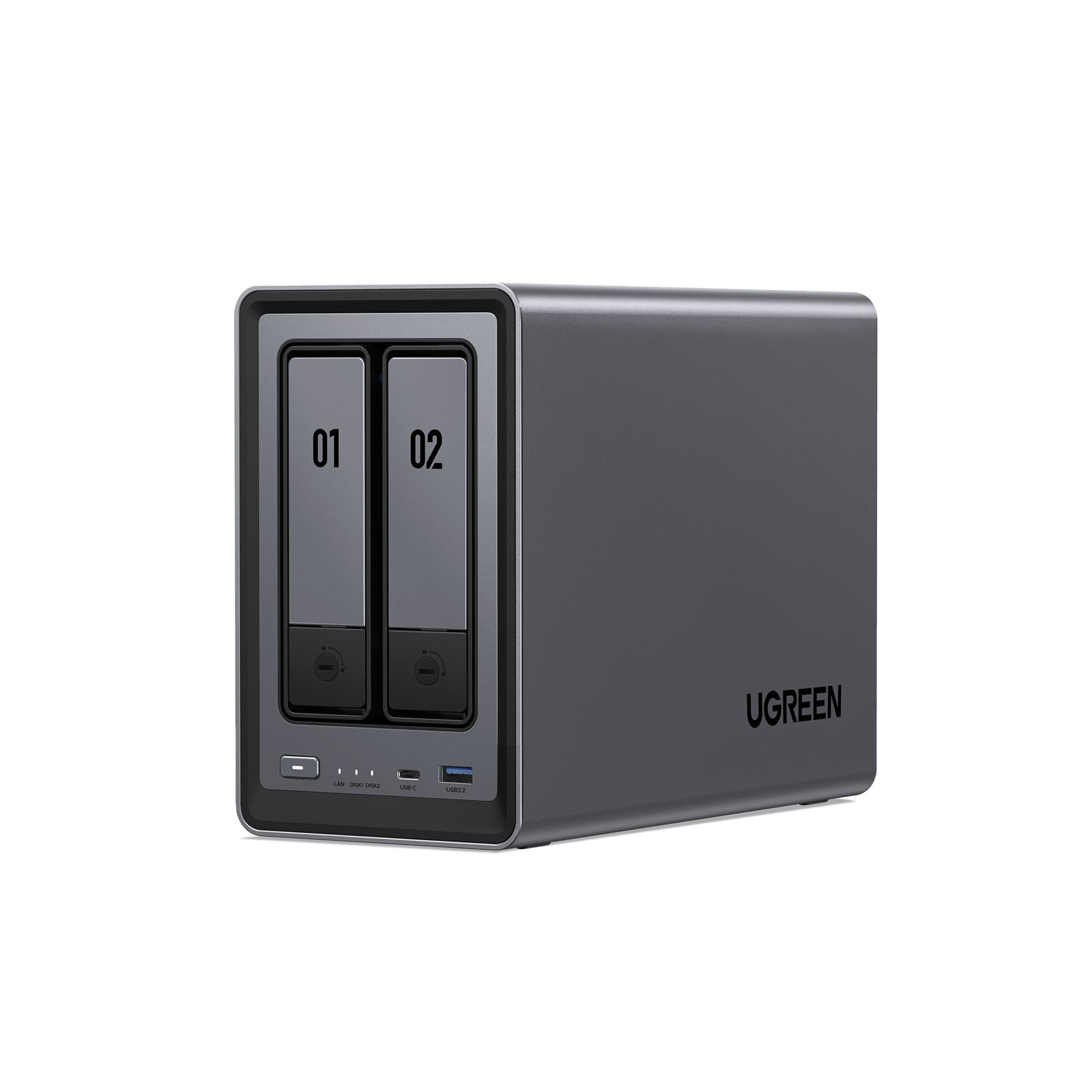
UGREEN NASync DXP2800
Your Personal Cloud Storage
Store up to 79M docs, 26M photos, or 51K movies
Massive 80TB Capacity
Back up 1GB in seconds
Fast 2.5GbE Network Port
12th Gen Intel N100 for smooth media playback
Powerful CPU Performance
$346.99
$439.99

$93
Off
$93
Off
$346.99
$439.99


Huge Storage
Keep all your photos, videos, and files in one secure place.

Automatic Sync & Backup
Your data is always up to date and protected.

Security You Can Trust
Backed by leading security and privacy certifications for trusted protection.
Your Private Cloud,
Your Data in Your Hands


Pro-grade encryption protocols safeguard your data and account.

Local storage that's fully controlled by you.

Supports a number of RAID configurations, allowing data recovery even if one hard drive fails.

Security Manager supports real-time virus scanning and flexible permission management.
RAID Data Protection
With support for RAID levels 1/5/6/10, even if one hard drive fails, data can still be recovered easily.

What is RAID?
By spreading data across multiple drives, RAID (Redundant Array of Independent Disks) creates a safety net for your work and can also speed up access. Different RAID levels can be used to find the right balance between safety, speed, and storage capacity.
User-Friendly App
Manage everything using the easy-to-use software.


Purchase with Confidence
With a 2-year warranty, you can feel reassured in your investment and stay focused on what's important.
See What the Pros Say


The UGREEN Advantage
Enjoy special perks and protections

Fast & Free Shipping

Buy Now Pay Later

30-Day Returns

24/7 Customer Support

30-Day Price Match Guarantee
Photographer NAS FAQs
Yes. UGOS Pro includes Photos for browsing, organizing, searching, and sharing image libraries stored on your NAS. On compatible models, photo-management features can also use on-device AI recognition and duplicate detection.
Photos is useful for managing a finished or archived library; it is not a replacement for Adobe Lightroom Classic or another professional RAW editor. Use your editing application for catalogs, edits, and exports, then keep the source files and completed work organized on the NAS. Download the UGREEN NAS client for your phone or computer.
Yes. The UGREEN NAS mobile client supports automatic photo and video backup from iOS and Android devices after you enable Photo Backup and grant the required Photos or Gallery and Local Network permissions.
Background uploads can be limited by phone operating-system settings, battery optimization, and network conditions. Before deleting originals from your phone, confirm that recent photos and videos are present and open correctly on the NAS.
Yes, but store the Lightroom Classic catalog locally. You can keep original photos on a UGREEN NAS shared folder, while the Lightroom Classic .lrcat and .lrcat-data files, previews, and active catalog backups stay on your computer’s internal SSD or a directly attached drive.
Adobe does not support storing Lightroom Classic catalogs on a network location. The practical workflow is: keep RAW files and archives on the NAS, keep the active catalog local, and back up the catalog separately to the NAS.
Yes, when the NAS, workstation, network, drives, and codec all support the workload. A 10GbE editing setup needs a 10GbE NAS port, a 10GbE client adapter, a 10GbE switch or direct connection, and suitable cabling—Cat6a, or Cat6 for short runs. A 2.5GbE client is limited to roughly 312.5MB/s before overhead, while 10GbE has a theoretical line rate of 1.25GB/s.
Keep Premiere Media Cache, previews, scratch disks, and temporary renders on the editor’s local SSD. Source footage and shared project media can live on the NAS; if heavy codecs or multicam footage still stutter, use proxies. If performance is lower than expected, troubleshoot slow NAS transfers.