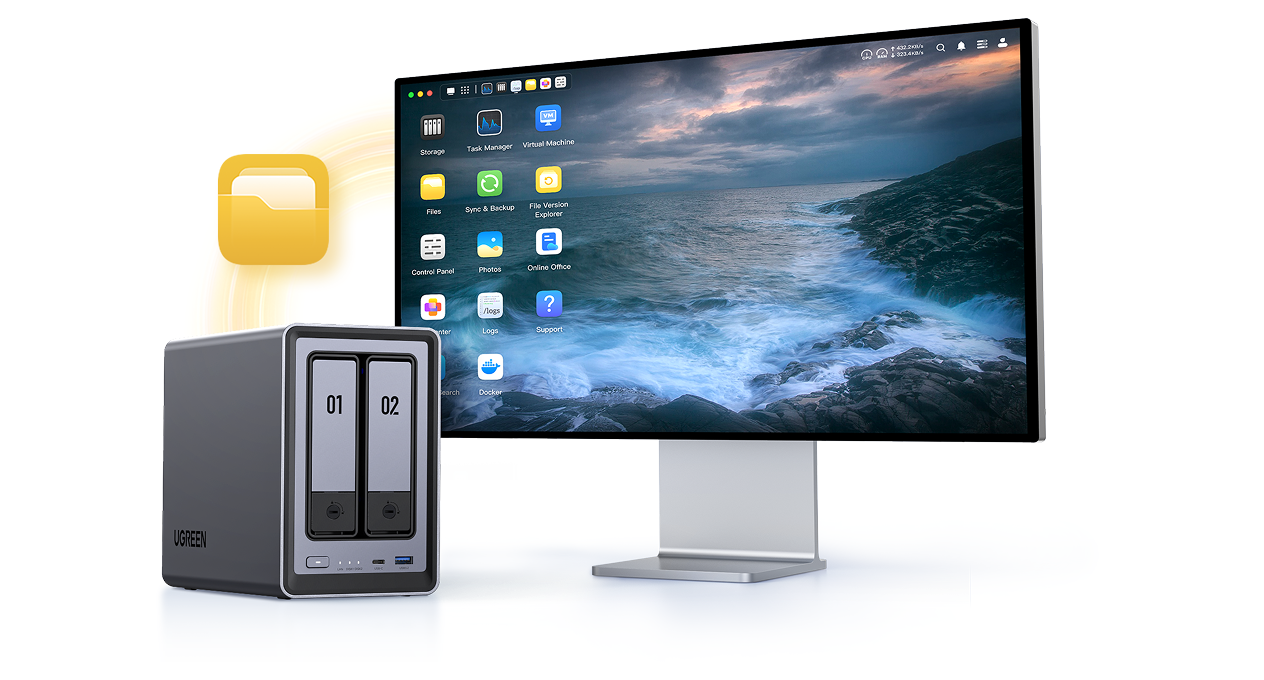
What is NAS?

What is Network Attached Storage (NAS)?

NAS stands for Network Attached Storage. It is a dedicated device that connects to your router or network switch, giving authorized users and devices one central place to store, access, share, and back up files.

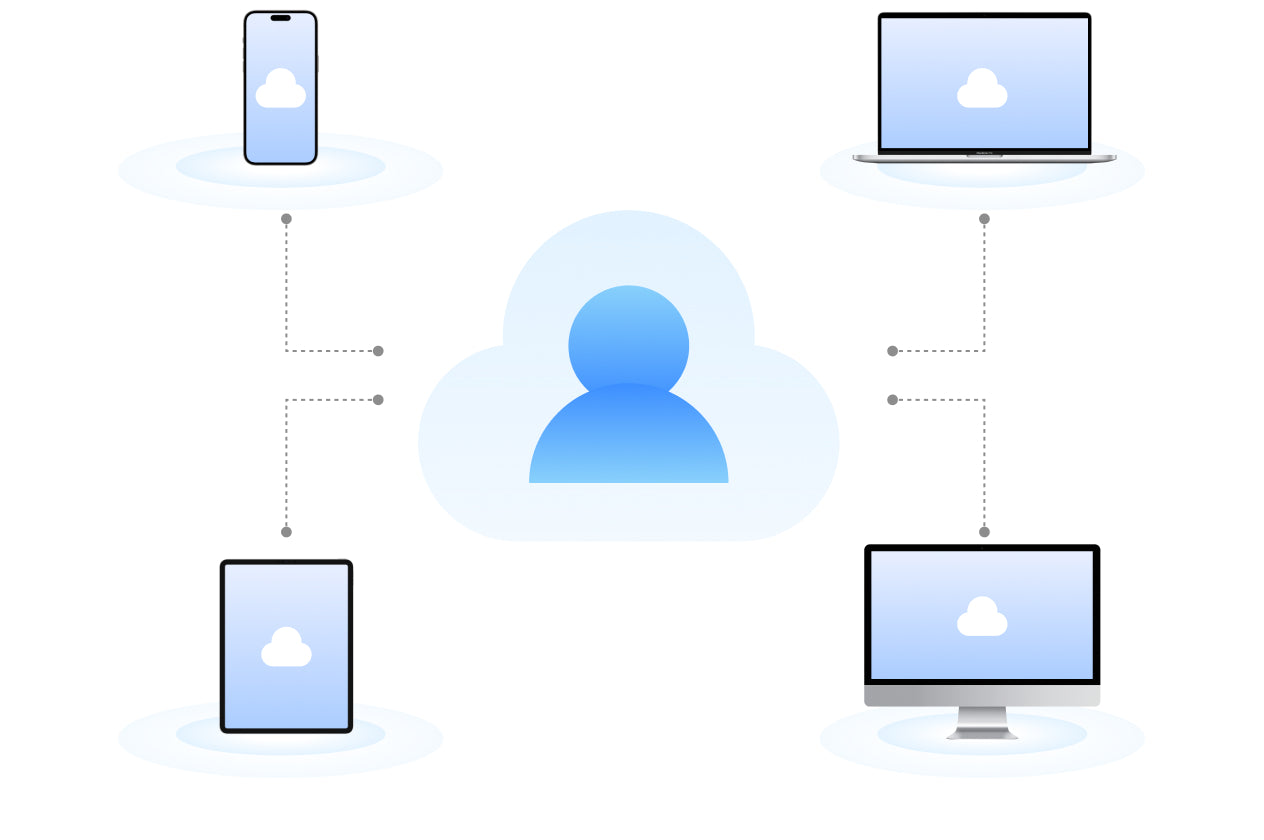
Unlike an external drive, a NAS can serve multiple computers, phones, tablets, and TVs at the same time—even when your main computer is turned off. Local access does not require the internet; remote access does.

Watch Video

How does NAS work?

The NAS Connects to Your Network

A NAS normally connects by Ethernet to a router or network switch. It receives an address on the local network and remains available independently of any user’s computer. Authorized devices can then reach it through a browser, desktop client, mobile app, or supported file-sharing service.
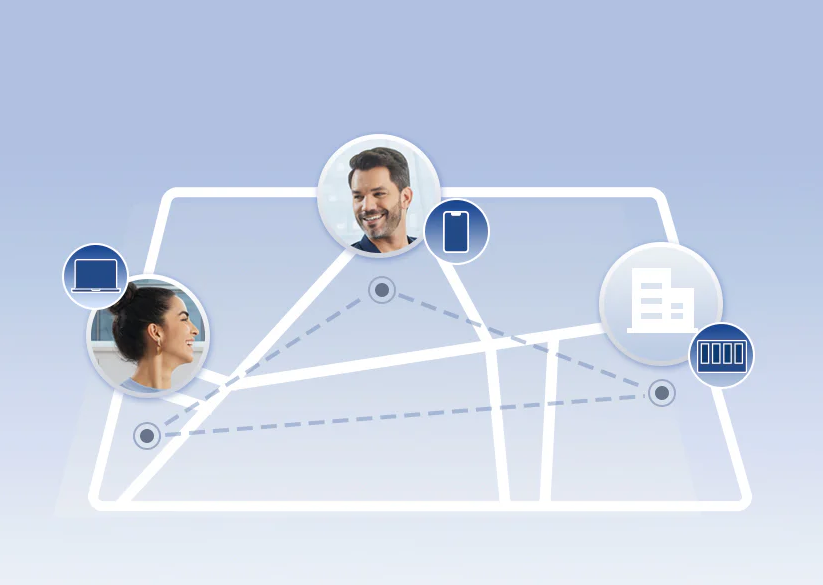
NAS devices connect to a LAN via Ethernet or Wi-Fi, enabling shared local-like file access.
Users Access Files Through Accounts and File Services

The NAS presents shared folders through services such as SMB for Windows and macOS or NFS for Linux and UNIX systems. Each user can have a separate account, storage quota, and folder permissions.

Remote access requires an internet connection and should be protected with strong passwords, current software, restricted permissions, and two-factor authentication. Follow the instructions to set up two-factor authentication on UGREEN NAS.

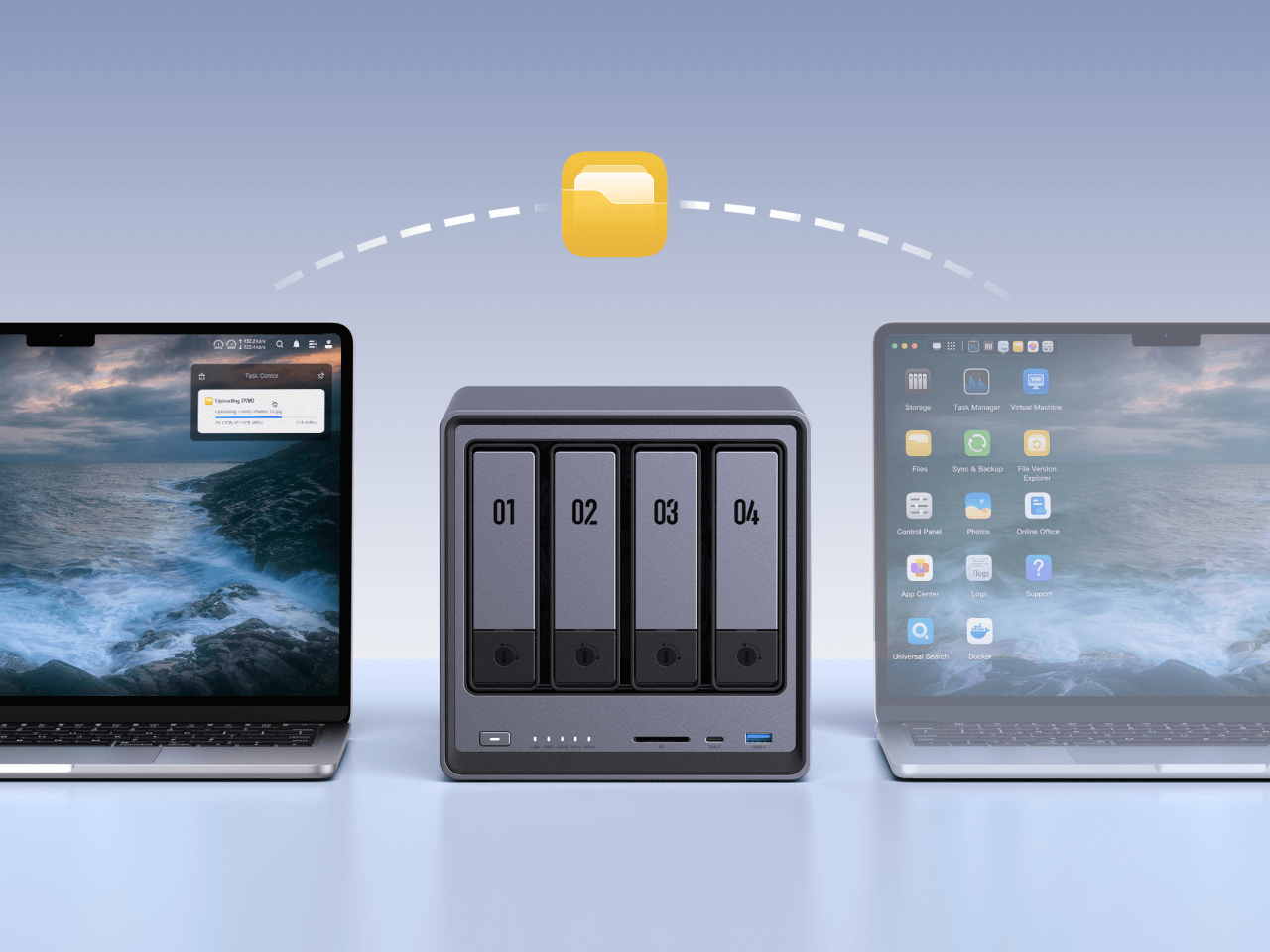
NAS supports compatibility and scalable expansion across platforms.
Drives Become Storage Pools and Shared Folders

One or more HDDs or SSDs are configured as storage pools and volumes. Depending on the number of drives, the NAS may support Basic storage, JBOD, or RAID levels that balance usable capacity, performance, and drive-failure protection.

For example, two matching 8TB drives in RAID 1 provide approximately 8TB before system and file-system overhead because one drive mirrors the other. Four matching 8TB drives in RAID 5 provide approximately 24TB before overhead and can tolerate one drive failure.

You can estimate usable capacity with the UGREEN RAID Calculator.

NAS protects data with access controls and two-factor authentication.

Why We Recommend NAS

Data location

Access

Cost model

Easy to Use

ugreen Nas
NAS
Subscription

Drives in your NAS

Data Security

Local network with optional remote access

Upload and Download Speeds

NAS and drives purchased upfront

Easy to Use
Traditional Cloud Storage

Provider’s data center

Primarily through the internet

Usually a recurring subscription

External Hard Drives

One directly connected drive

Usually the connected device only

Drive purchased upfront

What Can You Do With a NAS?

Back Up Computers and Phones
A NAS can centralize backups from multiple computers and automatically receive photos and videos from supported mobile apps. The NAS itself should still be backed up to another device or location because RAID alone is not a backup.
With  NAS Storage, You can Control your Cloud Space
Build a Personal Media Library
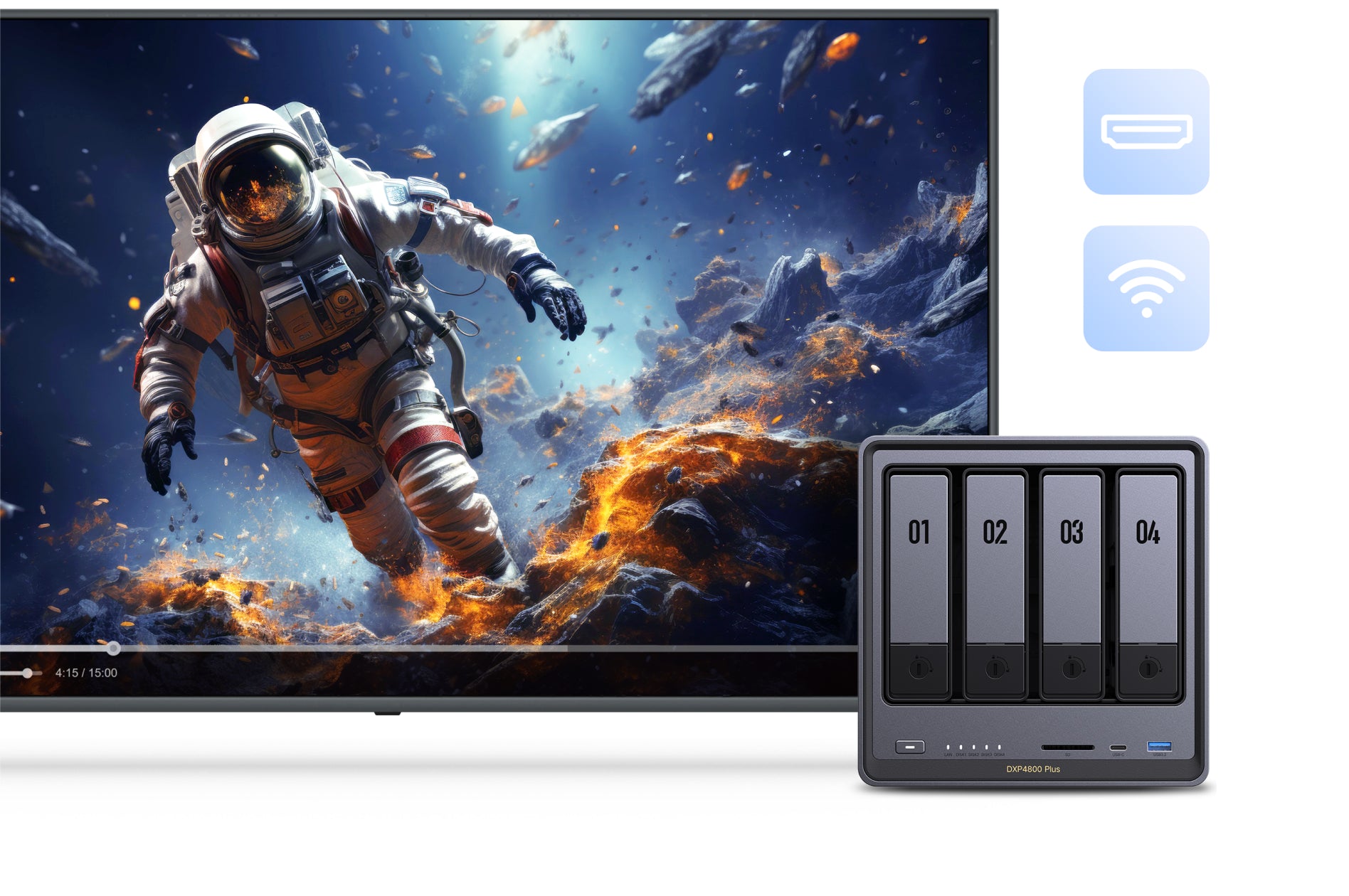
Organize photos, music, and videos in one library, then access supported media from computers, phones, tablets, TVs, or connected displays. Playback and transcoding capabilities depend on the NAS model, application, file format, and client device.
With  NAS Storage, You can experience life's amazing moments over & over
Share Files With Family or Team Members
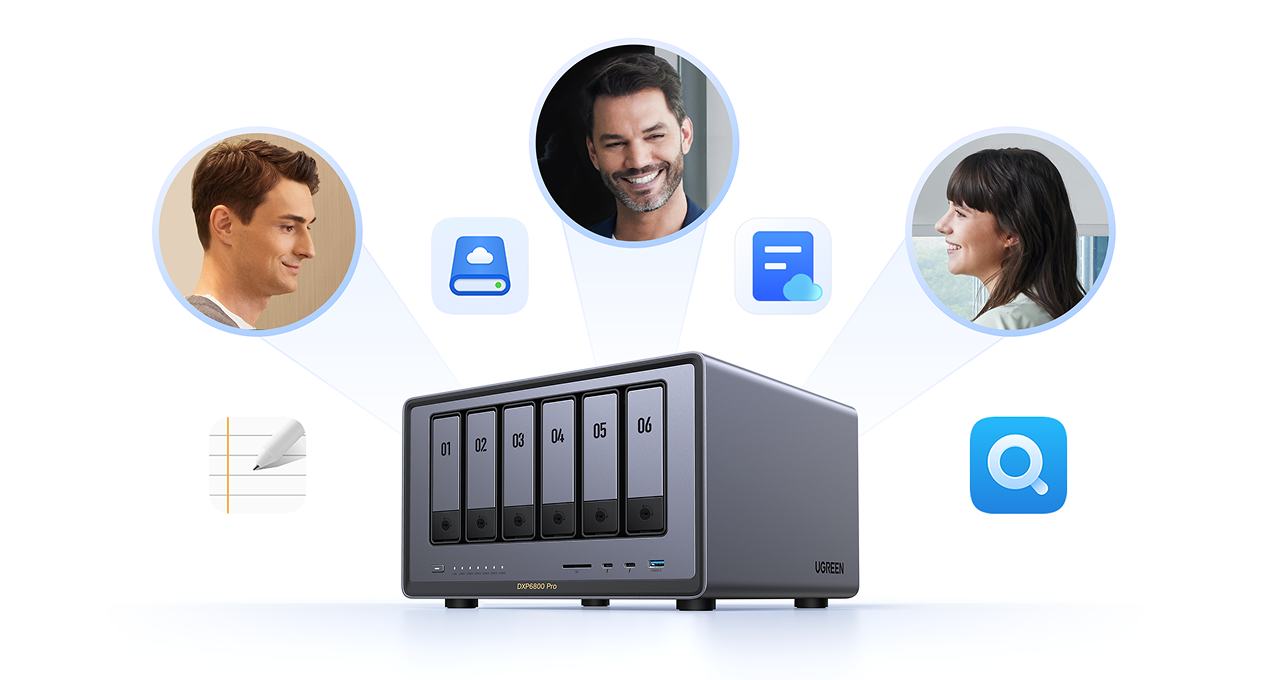
Create individual accounts and shared folders with different read and write permissions. You can keep private files separate, collaborate on common folders, and share selected files without giving someone access to the entire NAS.
With  NAS Storage, You can get the Job done together
Centralize Large Project Files
Keep raw photos, high-resolution video, design projects, documents, and archives in one location instead of spreading them across laptops and portable drives. Actual transfer speed depends on the NAS, installed drives, RAID configuration, client device, and network.
With  NAS Storage, You can transfer & store HD Files

Why UGREEN NASync?

Hardware for Different Storage Workloads

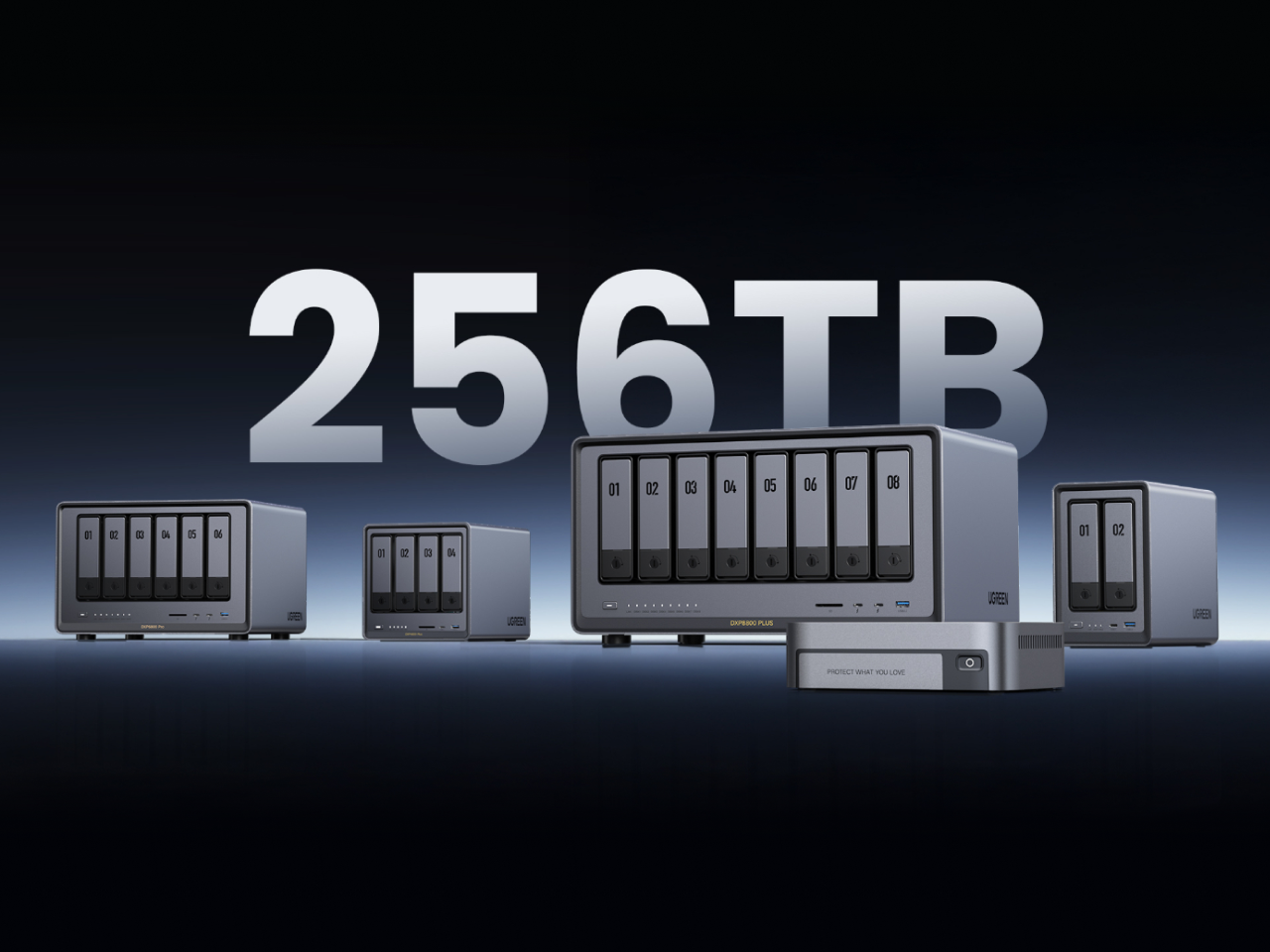
UGREEN NASync models differ by drive-bay count, processor, memory, network speed, SSD support, maximum capacity, and application support. A two-bay model may be sufficient for personal backup, while creators, teams, and homelab users may need more bays, faster networking, or stronger processing.

You can browse and filter UGREEN NAS models by the specifications that matter to your workload.

Ugreen  NAS Storage Capacity ranges from 64TB to 208TB
Multiple Layers of Data Protection

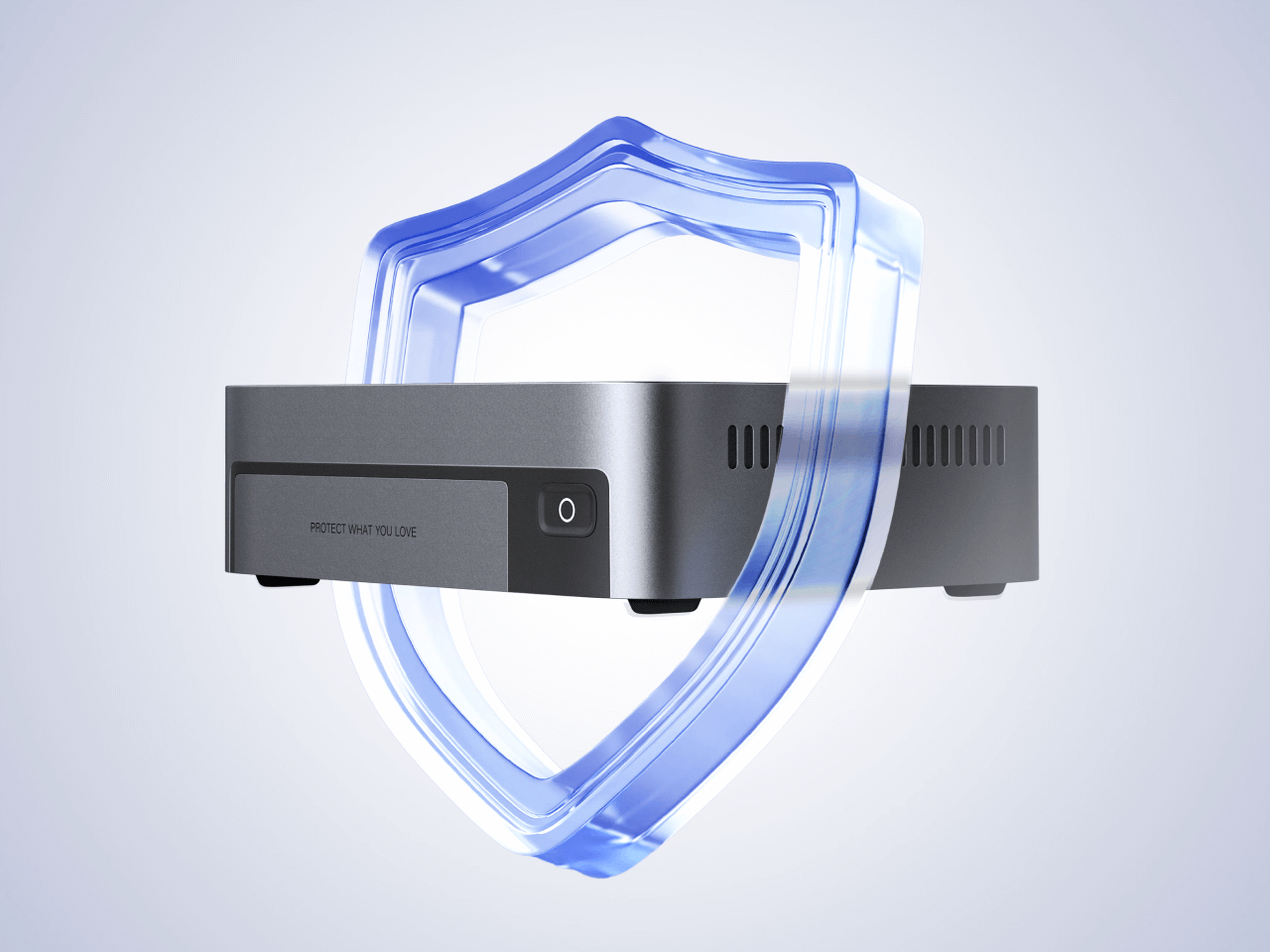
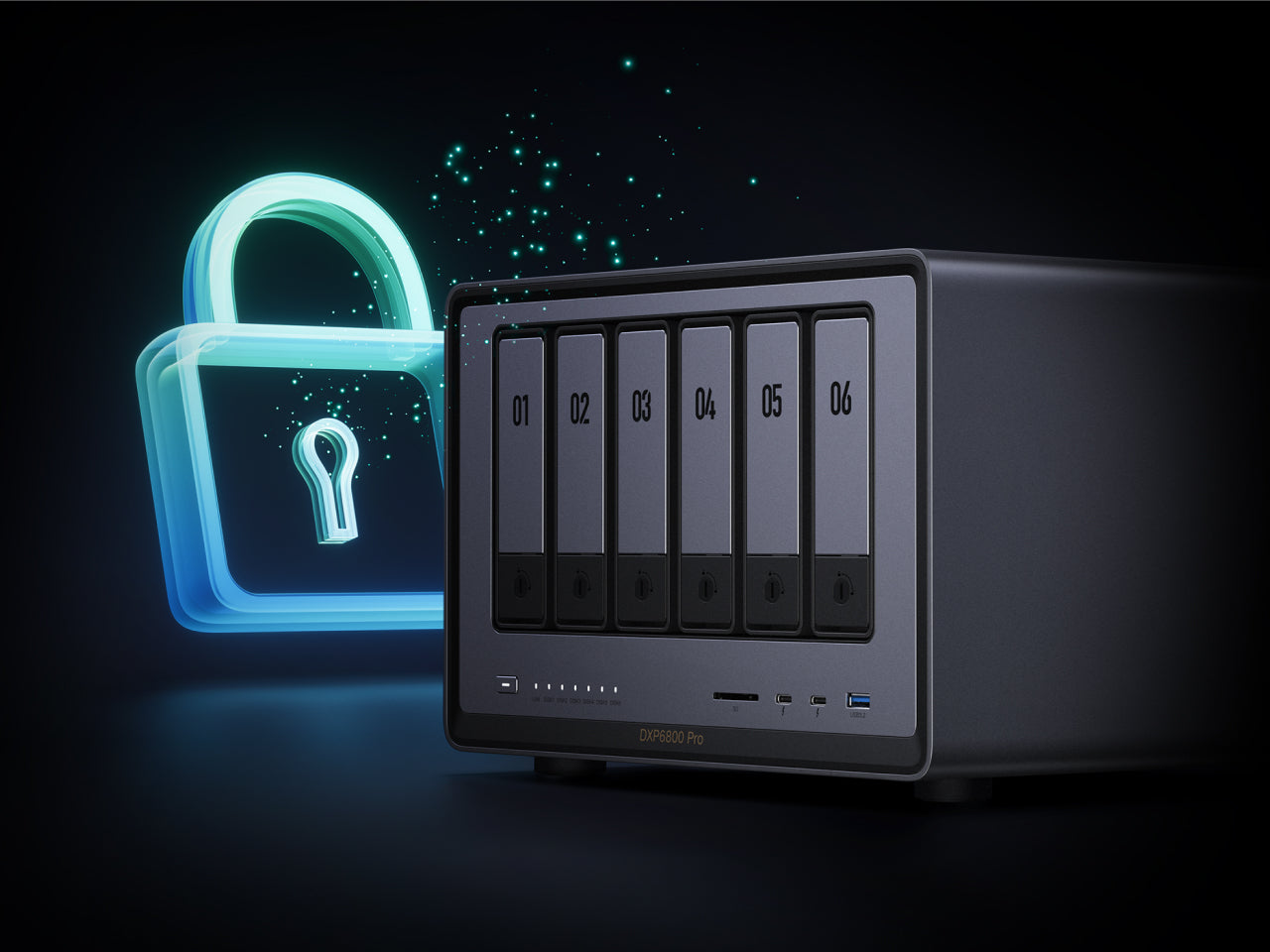
UGOS Pro provides tools such as individual user accounts, folder permissions, two-factor authentication, HTTPS connections, IP blocking, firewall controls, and malware scanning. These controls reduce risk, but no NAS can guarantee that data will never be lost or compromised.

RAID protects against certain drive failures; it does not protect against accidental deletion, ransomware, theft, fire, or failure of the entire NAS. Learn how to strengthen NAS ransomware protection with separate backups and access controls.

Ugreen nas can keep your data safe
One System for Storage and Device Access

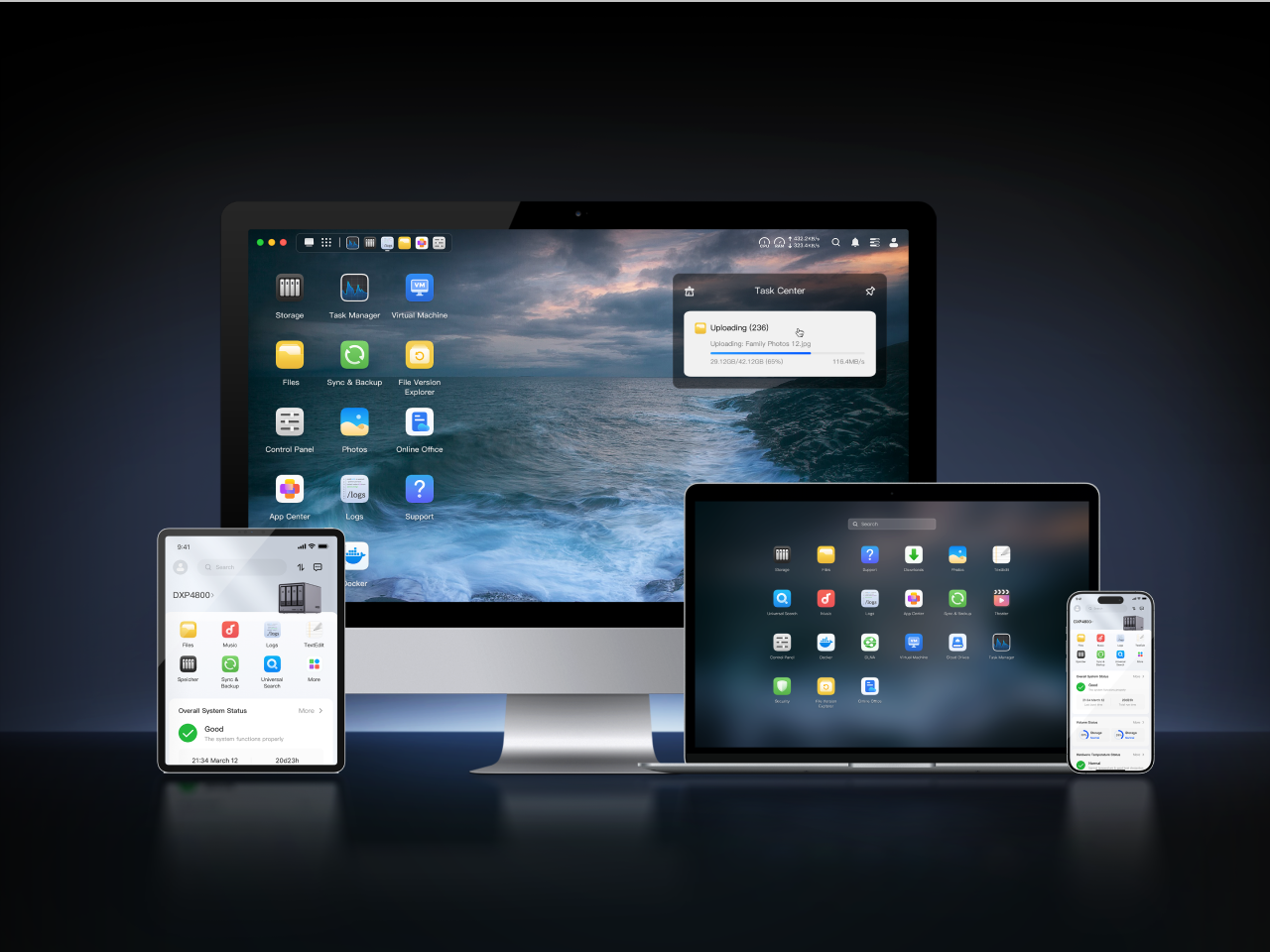
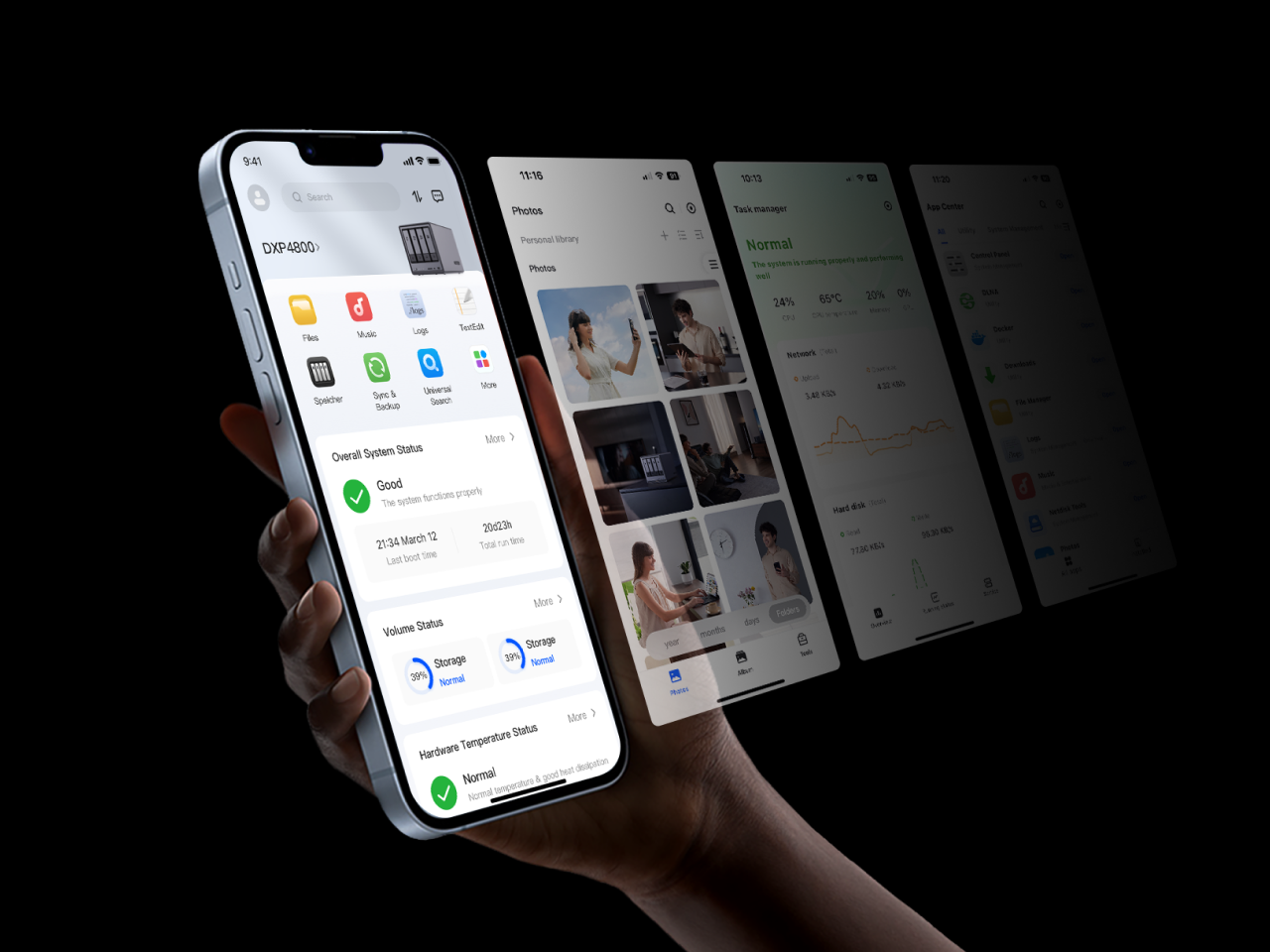
UGOS Pro provides web, desktop, and mobile access for managing files, users, storage, backups, photos, media, applications, and system settings. Available functions can differ by NAS model and software version.

See the UGOS Pro interface and core features.

The ugreen nas operating system is simple
Applications Based on Your NAS Model

UGREEN’s App Center supports file management, backup, synchronization, media, and system-management workloads. Advanced functions such as Docker and Virtual Machine Manager are model-dependent, so buyers should verify software and hardware support before choosing a device.

See which apps and advanced features each UGREEN NAS model supports.

ugreen nas storage offers a variety of apps